


By Angelo Coralini, Doctors Cyprus · Updated 4 October 2026.
A useful medical photography and video shoot in Cyprus should show patients who they will meet, where they will go and what to expect. Start with accurate doctor portraits, clear clinic and entrance photographs, a short introduction video and answers to common appointment questions. Plan where each image or video will be used before the shoot.
The aim is a reusable set of material for your website, doctor profile and social media. A beautiful photograph that cannot fit your website header, or a video that never answers a patient’s question, creates extra work without solving the original problem.
Start with a list of places the content will appear
Before booking a shoot, gather screenshots or dimensions for your website, directory profile and social channels. Your photographer or video team can then plan enough space around the subject for different crops.
- Website headers: horizontal photographs with room for the page layout and a clear focal point.
- Doctor profiles: individual portraits that work in both rectangular and square crops.
- Service pages: relevant rooms, equipment and clearly explained demonstrations.
- Social media: vertical video and photographs that still make sense on a small screen.
- Location information: entrance, building signage and useful arrival views.
Choose your main use first. Trying to extract every format from one tightly framed shot usually creates compromises.
The essential clinic photography shot list
Doctor and team portraits
Capture a consistent portrait of each doctor who agrees to appear, plus a small selection of natural working photographs. Confirm names, roles and credentials before matching photographs to biographies. Arrange a repeatable lighting and background style so future team members can be added without replacing the entire set.
The building, entrance and reception
Photograph the actual entrance patients should use. If the practice is inside a medical centre, show the relevant building sign and reception route where permitted. A useful arrival photograph can answer a practical question more directly than another generic image of a stethoscope.
Consultation rooms and relevant equipment
Show tidy, current rooms and equipment used for the services described on the site. Ask the responsible clinician to check captions and context. Do not imply that a photographed device proves a particular outcome or that a service is available when it is not.
Natural working details
Include the doctor reviewing a blank demonstration document, preparing a room or explaining a model. Check screens, whiteboards, desks and reflections for patient information before shooting. If a scene is staged, its caption should not present it as a real patient testimonial or documented treatment.
Four videos worth planning first
- A doctor introduction: name, specialty, location, consultation languages and the next step for requesting an appointment.
- A first-visit explanation: arrival arrangements, what to bring and how the practice handles appointment requests.
- One focused patient FAQ: a general, clinically reviewed explanation of a question the reception team often receives.
- A clinic arrival guide: a short walkthrough of the permitted entrance and reception route.
Keep each video focused on one purpose. Review the script before filming, record clear speech and provide captions. Medical explanations should be approved by a suitably qualified clinician; filming and editing alone do not establish clinical accuracy.
Prepare people, permissions and the space
Decide who will appear and document the relevant permissions for the intended uses. A person agreeing to be photographed does not automatically settle every future advertising use. Have the practice’s responsible adviser confirm the arrangements for identifiable patients or sensitive situations.
Schedule a quiet period, inform the team, remove visible records and arrange access to the rooms on the shot list. Keep normal clinical care separate from the production schedule. There is no need to include a real patient to demonstrate a welcoming consultation environment.
Stock imagery can support general editorial articles. Label it appropriately and use genuine practice photographs when presenting the actual doctor, staff or premises.
What to include in your production brief
- The practice name, location, audience and priority services.
- The website pages and social channels that need content.
- The people, rooms and equipment available on the day.
- Required horizontal, portrait and square versions.
- Video languages, captions, script review and final approval responsibilities.
- Agreed deliverables, revisions, usage rights and any restrictions.
- Original files, edited masters and compressed website copies.
Keep a simple file register recording the subject, permission status and approved uses. Descriptive filenames and accurate alt text help the website team manage the images. Alt text should describe what is visible rather than repeat a list of marketing keywords.
Put the material to work after the shoot
Replace outdated profile photographs, improve location instructions and match approved images to the relevant services. Turn each approved FAQ recording into a focused website answer and a social post with a useful next step. Our 30-day social media plan for doctors provides a practical publishing framework.
If the shoot accompanies a new website, include the production scope in your brief. The medical website cost guide explains why photography, video and content preparation should be clearly separated in a quote.
Frequently asked questions
1. Do we need to film real patients?
No. Doctor introductions, arrival guides, room photographs and general FAQs can all be produced without filming patients. Choose the simplest scene that explains the point accurately.
2. Can one shoot cover the website and social media?
Yes, if both uses are planned in advance. Include separate framing and video formats in the brief so important details are not lost when content is cropped.
3. How often should clinic photographs be updated?
Review them when doctors, premises, branding or services change. Replace images that could mislead a patient about who or what they will find at the practice.
Plan your clinic’s content production
Doctors Cyprus offers content creation and production for healthcare practices. Send us your website and priority uses so we can help define a practical photo and video brief.
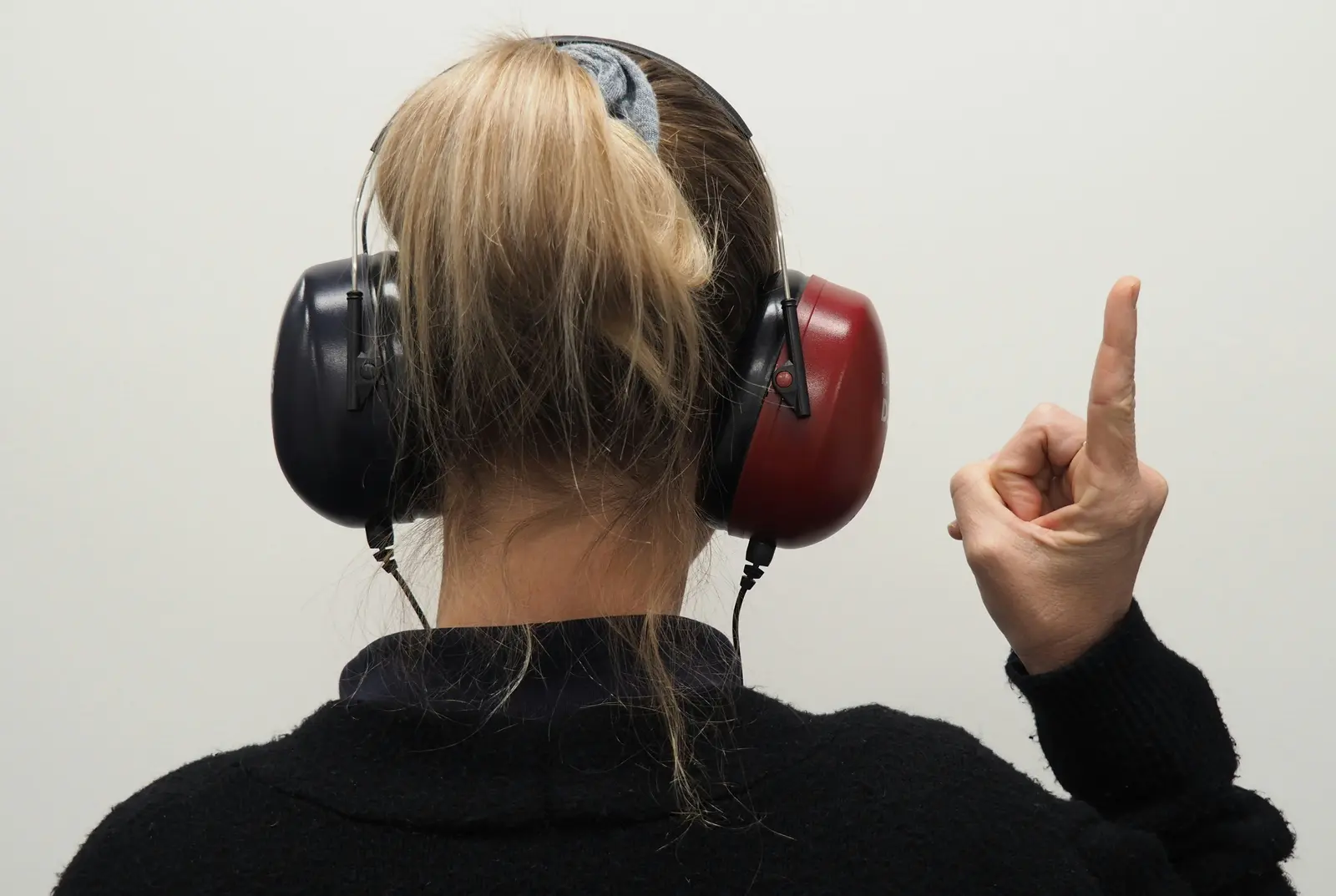
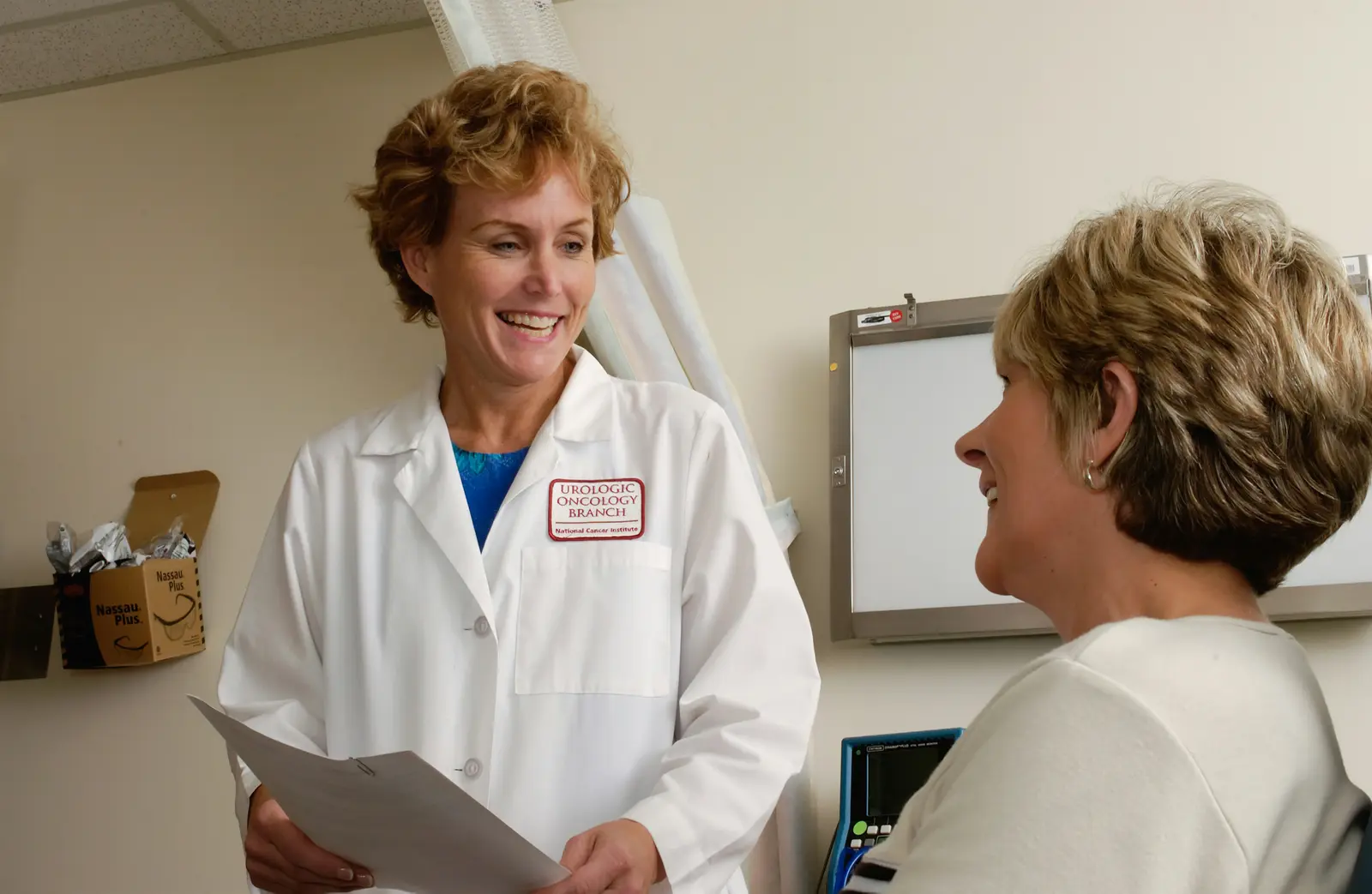
Illustrative stock photograph: Leuchtturm Entertainment / Unsplash.